
Doktor
Every patient. Every appointment. Every metric one place.
Doktor Health
Case Study · 2025
About this product
A comprehensive medical dashboard for clinic and hospital management built to give doctors, admins, and staff a unified, real-time view of patients, appointments, and clinical data.
Timeline
14 weeks
Category
Web & App
Delivered
2025
Stack
Product Preview
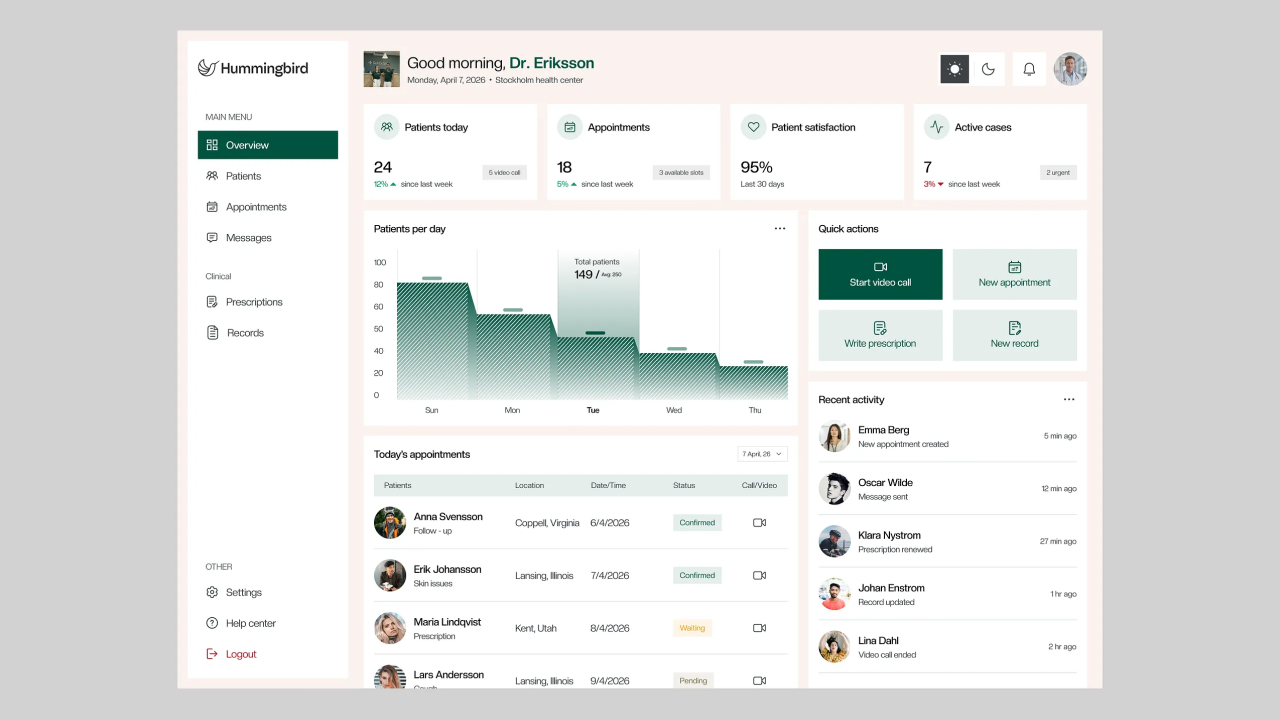
Overview
The situation
Healthcare operations are buried in fragmented systems appointment tools that don't talk to patient records, analytics that require manual exports, and staff dashboards that show data a day too late. Doktor was built to collapse all of this into a single, real-time medical dashboard that gave clinicians and administrators exactly what they needed at a glance. From patient intake to appointment scheduling, clinical analytics to staff oversight, the platform was designed to make every decision faster and better informed.
Challenge
What we had to solve
Medical dashboards sit at the intersection of two difficult design problems: information density and human urgency. Clinicians need a lot of data patient vitals, appointment queues, test results, billing status but they need it fast, clean, and prioritised correctly. A cluttered interface in a clinical setting doesn't just frustrate users; it creates risk. The challenge was designing a system that surfaced the most critical information first, handled role-based data access securely, and performed reliably under the real-time update requirements of a live clinical environment.
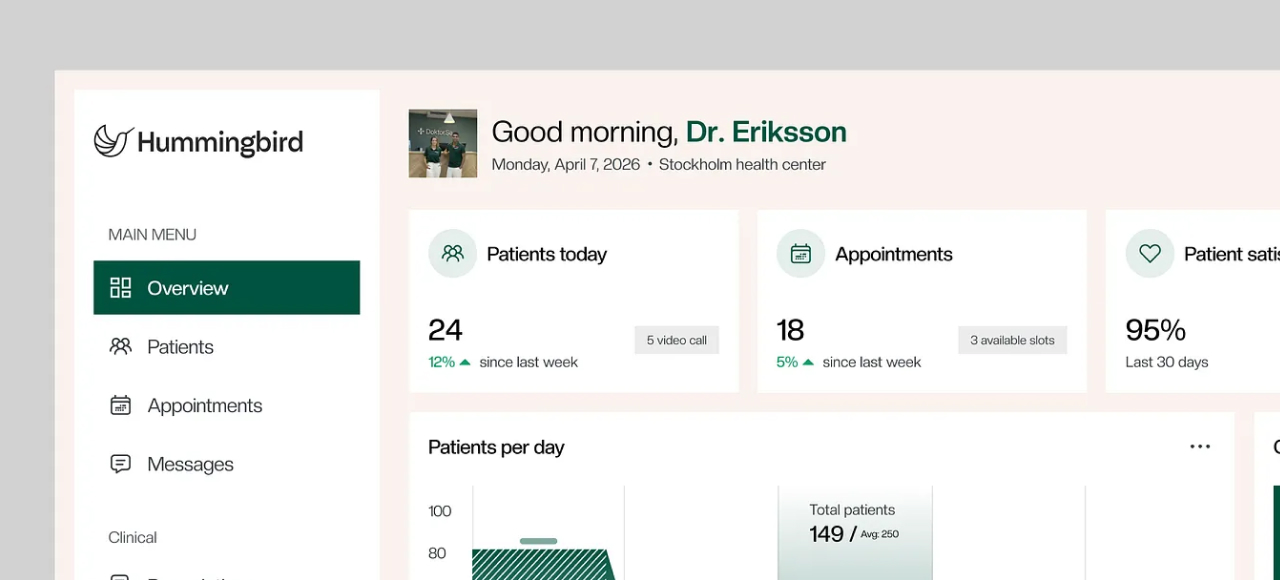
Main Clinical Dashboard
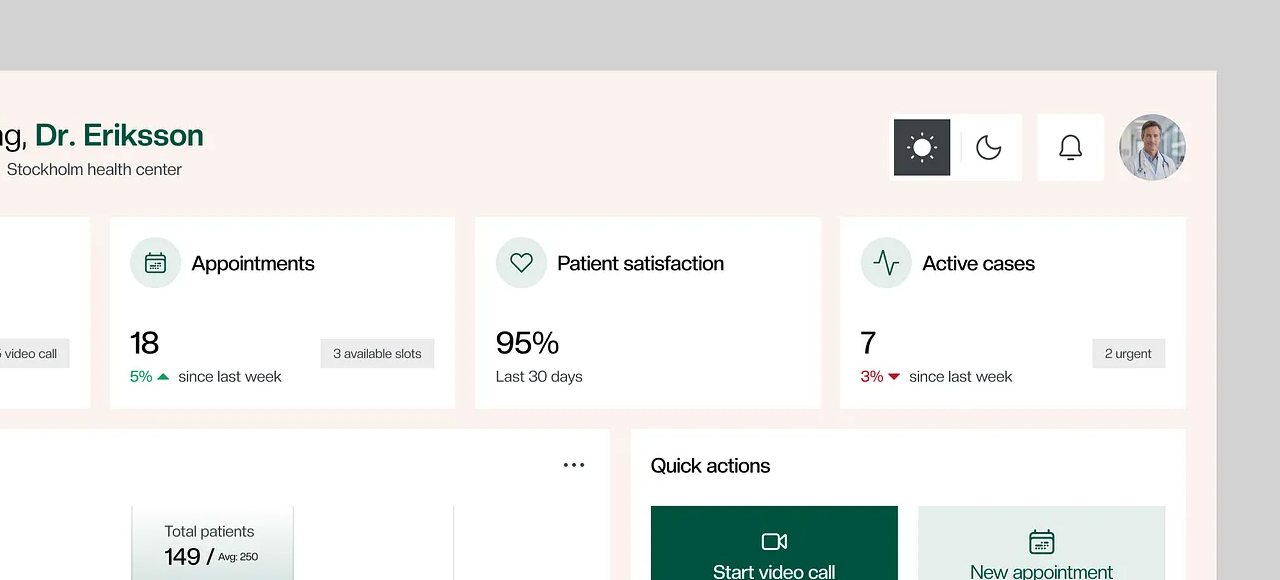
Patient Records & History
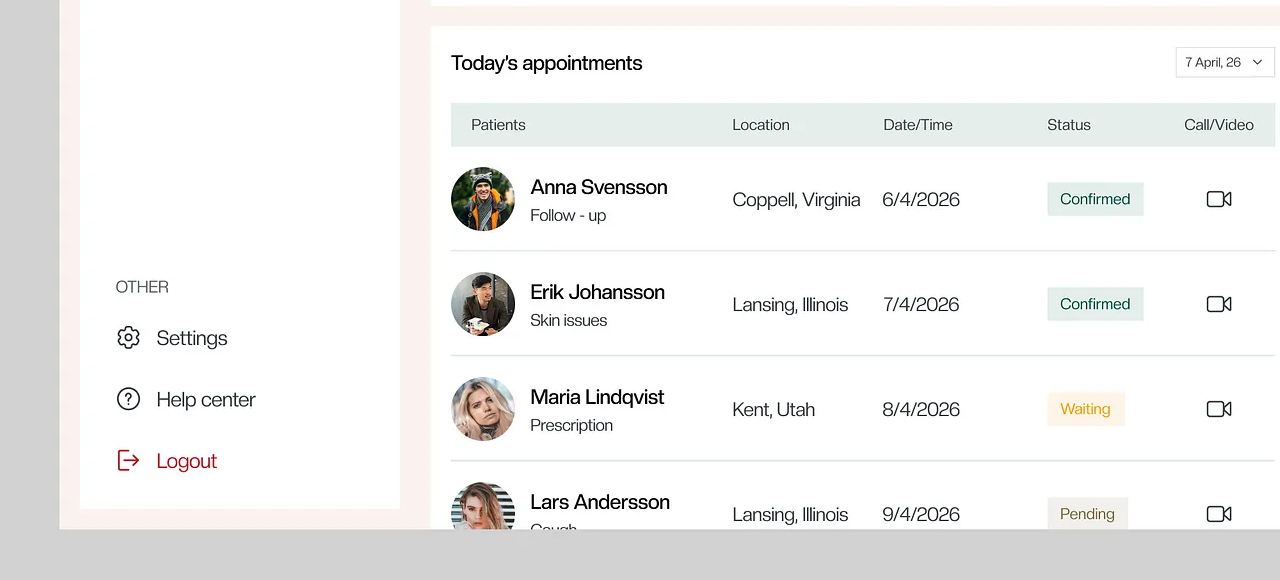
Appointment Scheduling
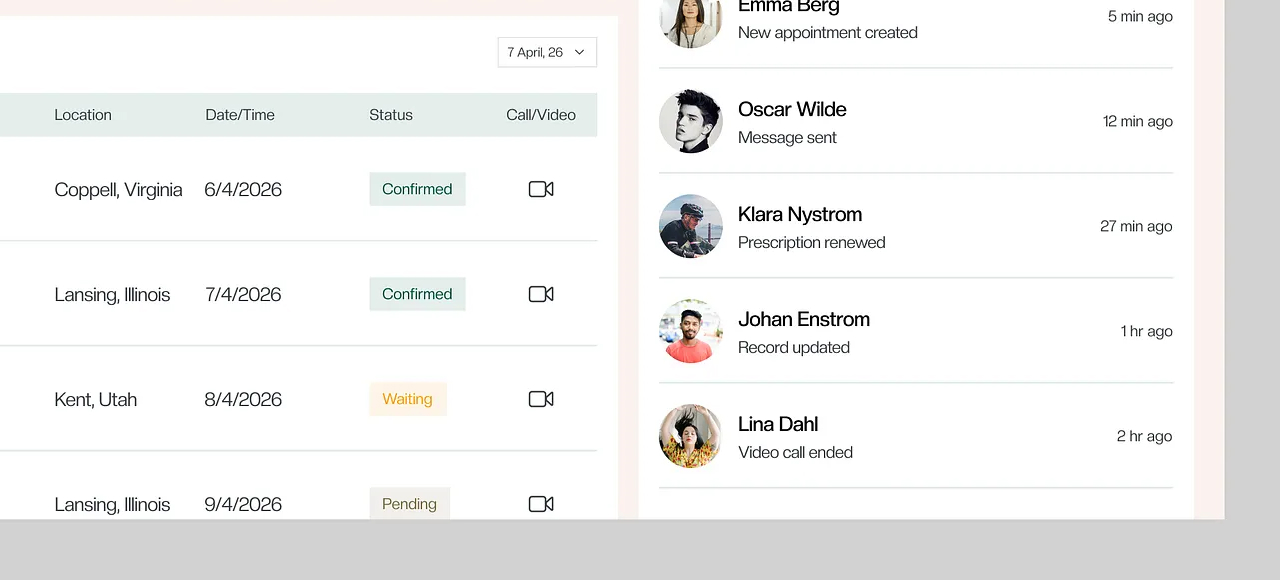
Analytics & Staff Overview
Case Study
How we built it
Discovery & Clinical Workflow Mapping
We mapped the daily workflows of four distinct user roles doctors reviewing patient queues, nurses managing intake and vitals, front-desk staff handling scheduling and billing, and administrators tracking clinic-wide performance. Each role had fundamentally different priorities and different data access requirements. This mapping produced the role-based permission architecture, the dashboard layout hierarchy, and the information prioritisation logic that drove every design decision that followed.
UI/UX Design & Design System
Using Figma, we designed a clinical-grade visual system built on shadcn/ui components and Tailwind CSS design tokens giving the dashboard a consistent, accessible, and professional interface that could be maintained and extended without design drift. The colour system was designed around clinical readability: high-contrast data tables, clear status indicators using colour-coded severity levels, and whitespace calibrated for fast scanning rather than aesthetic minimalism. Every component data cards, patient records, appointment slots, analytics charts was designed to function as part of a coherent system rather than in isolation.
Next.js Application Architecture
The dashboard was built on Next.js 14 with the App Router, using server components for data-heavy views and client components for interactive elements optimising for the fastest possible initial load while maintaining rich interactivity where needed. Role-based routing and layout was implemented at the middleware level, ensuring each user type landed in the correct dashboard context on login with no additional navigation required. Supabase was configured as the backend handling authentication, row-level security policies for patient data, and the PostgreSQL database schema for patients, appointments, staff, and clinical records.
Real-Time Data & Clinical Features
Supabase Realtime was used to power live appointment queue updates, patient status changes, and incoming notification streams ensuring the dashboard reflected the actual state of the clinic without requiring manual refresh. The patient management module was built with full CRUD for medical records, appointment history, prescription tracking, and test results. The appointment scheduling engine handled conflict detection, provider availability, and automated reminder triggers. Analytics modules for appointment volumes, patient outcomes, and staff performance were built using server-side aggregation queries to keep the client bundle lean.
Security, Testing & Launch
Patient data security was treated as a first-class engineering concern throughout. Supabase row-level security policies were audited to ensure no cross-patient data leakage was possible regardless of client-side state. All API routes were protected by server-side session validation. The application was tested across all four user roles with end-to-end flows covering patient intake, appointment booking, clinical record updates, and admin reporting. Performance was verified under simulated concurrent clinical load before go-live.
Outcomes
Clinical clarity, engineered from the ground up.
4
Tools unified into one platform
doctors, nurses, and admins single dashboard
70%
Less time spent on admin coordination
staff stay focused no more system switching
3×
Faster patient intake processing
real-time queue replaced manual status checks
60%
Fewer missed appointments
automated reminders and live scheduling kept patients on track
2×
Faster clinical decision making
all critical patient data surfaced in under 2 clicks
14wks
Full delivery timeline
discovery to production-ready clinical platform
We were running the clinic across four different tools and nothing talked to each other. Doktor replaced all of it doctors see their patient queue in real time, admins have the analytics they need, and our front desk finally has a system that actually works the way they do.
Doktor Health
Client, Healthcare Platform
Want results like these?
Let's talk about what we can build together.